Custom Frames•Device Mockups•Background Gradients•Text Overlays•Layer Management•Export in HD•Custom Frames•Device Mockups•Background Gradients•Text Overlays•Layer Management•Export in HD•
01Visual Asset Studio
Transform screenshots
into polished visuals
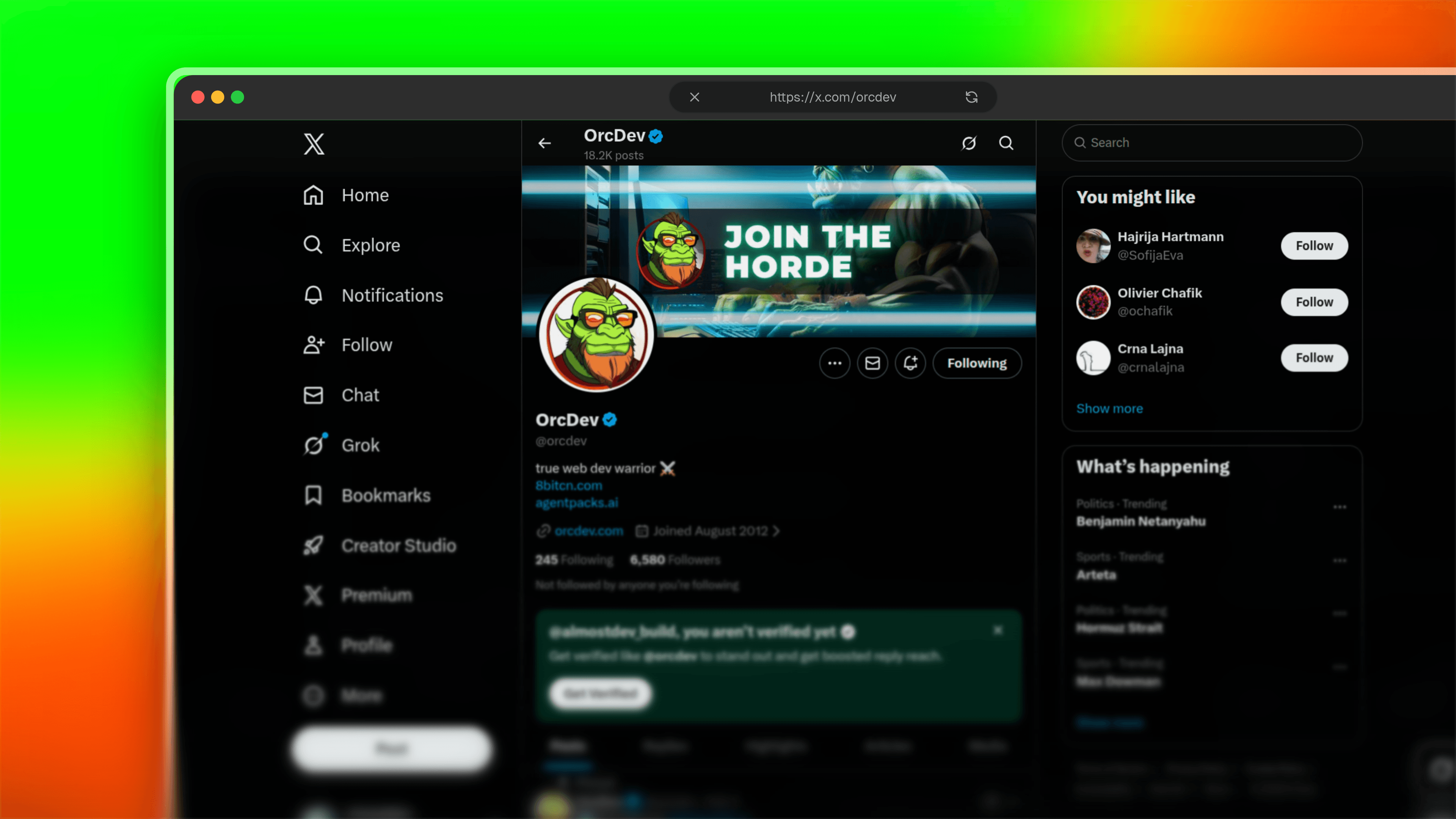
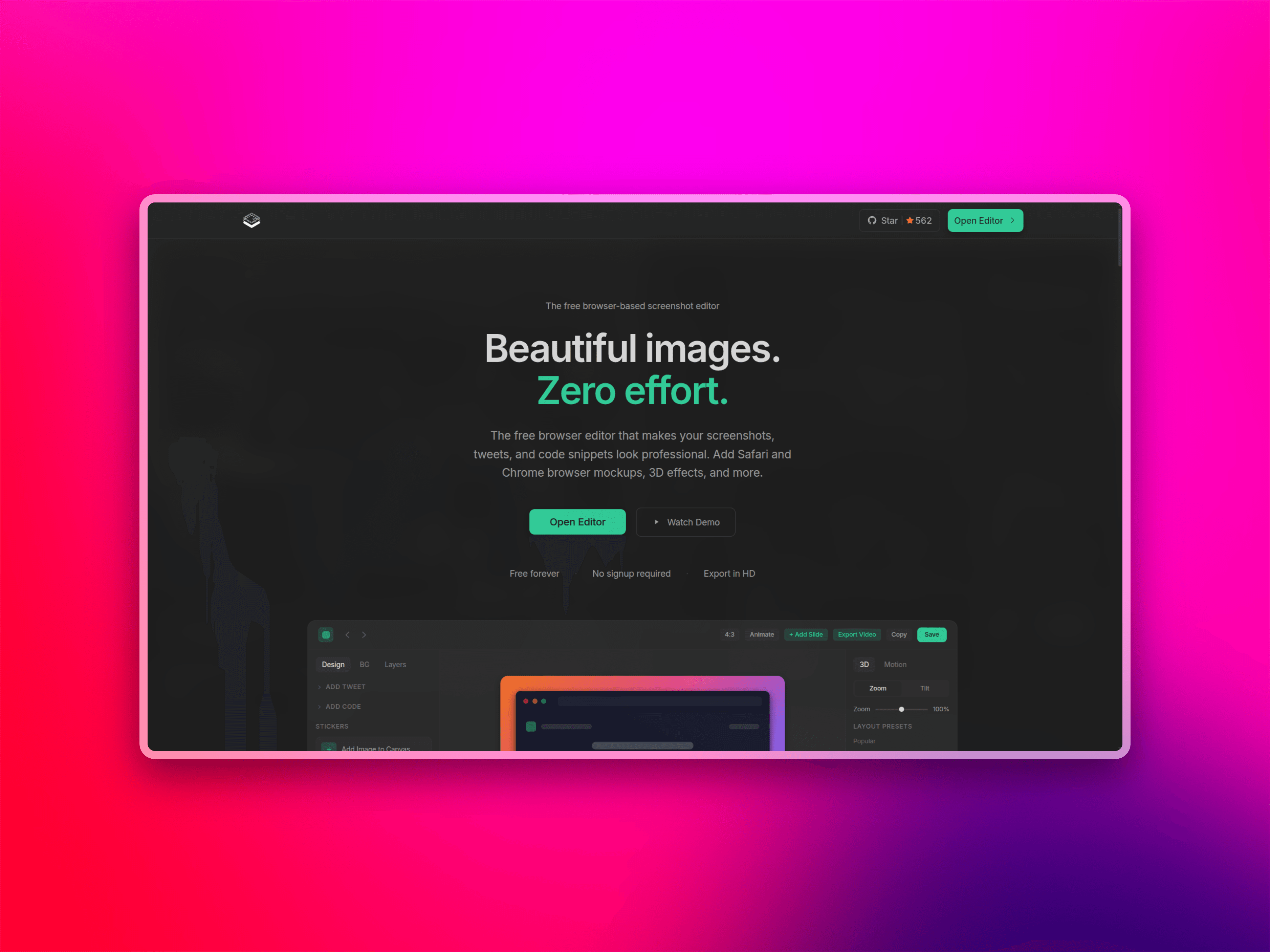
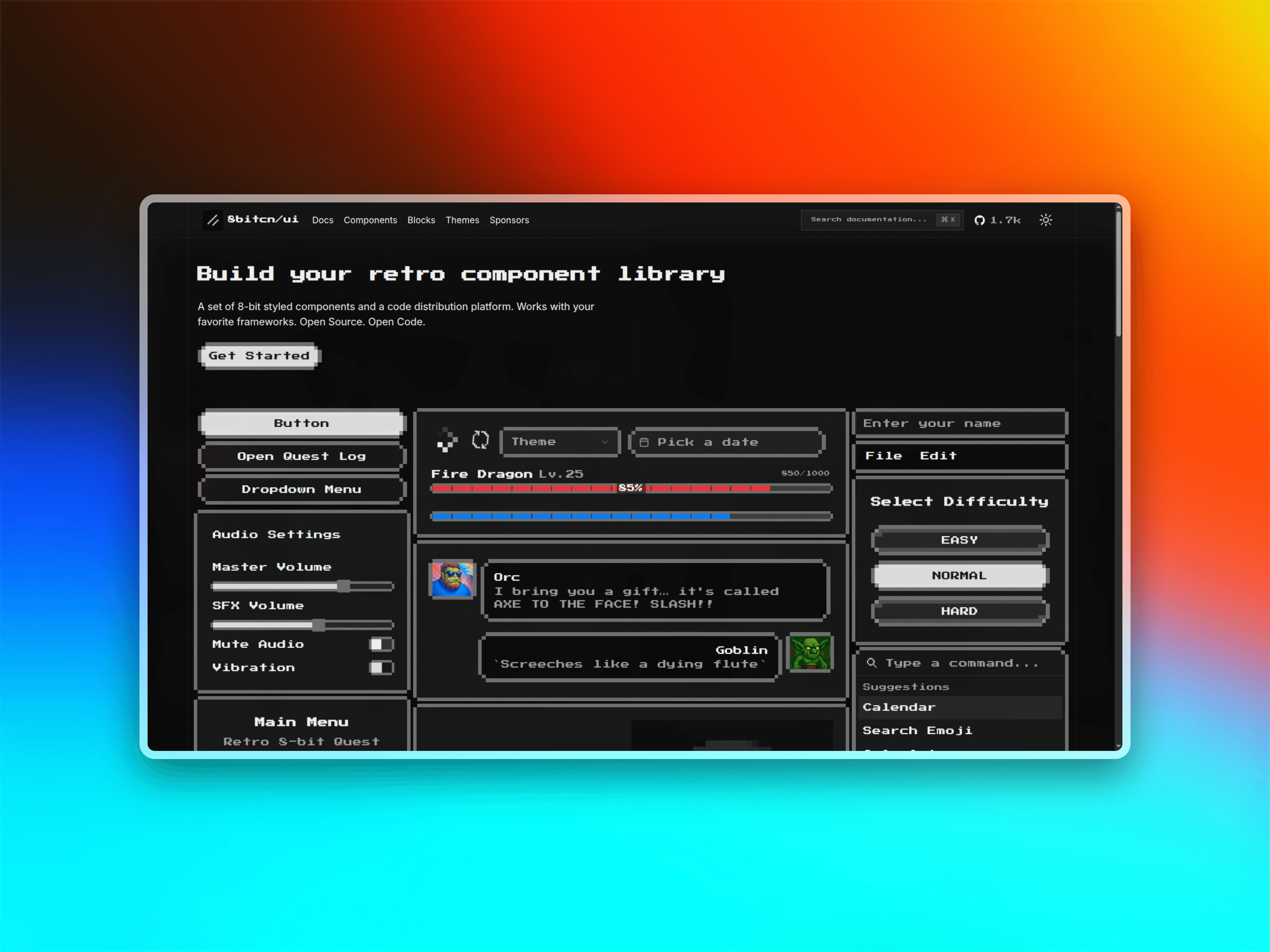
Almost Frame is designed to help developers, founders, and creators turn raw screenshots into beautiful share-ready assets. Add frames, backgrounds, device mockups, and text overlays with ease.
Custom Frames & Borders
Choose from a variety of frame styles or create your own. Apply glass borders, custom colors, and perfect radius to match your brand aesthetic.
Backgrounds & Gradients
Enhance your visuals with solid colors, beautiful gradients, or custom backgrounds. Control opacity and blend modes for the perfect look.
Layer Management
Add multiple text layers, position them precisely, and manage z-index. Style each layer independently with fonts, colors, shadows, and effects.
Custom Frames•Device Mockups•Background Gradients•Text Overlays•Layer Management•Export in HD•Custom Frames•Device Mockups•Background Gradients•Text Overlays•Layer Management•Export in HD•
Frame EditorCreate stunning visuals
Create stunning visuals
from your screenshots.
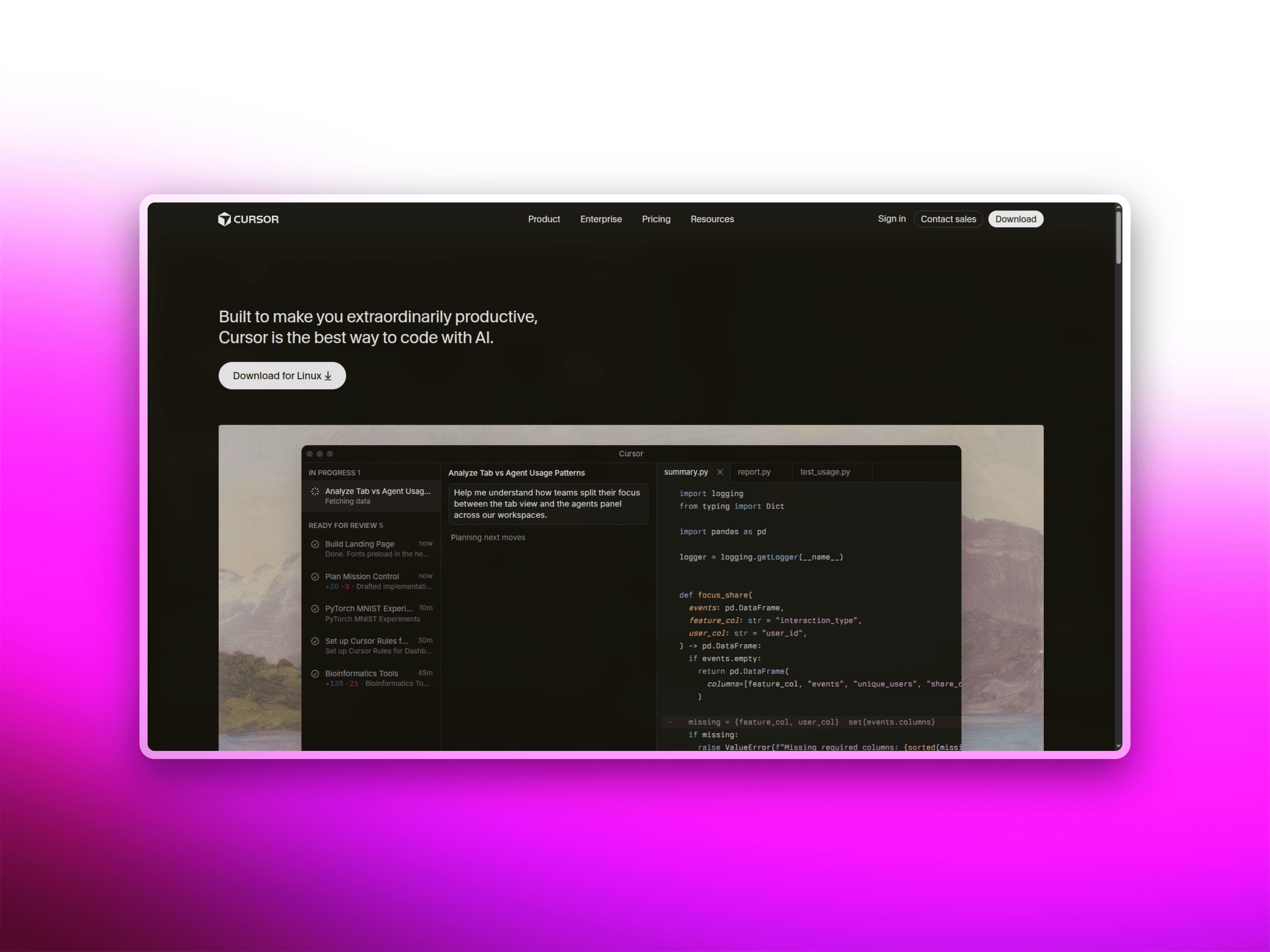
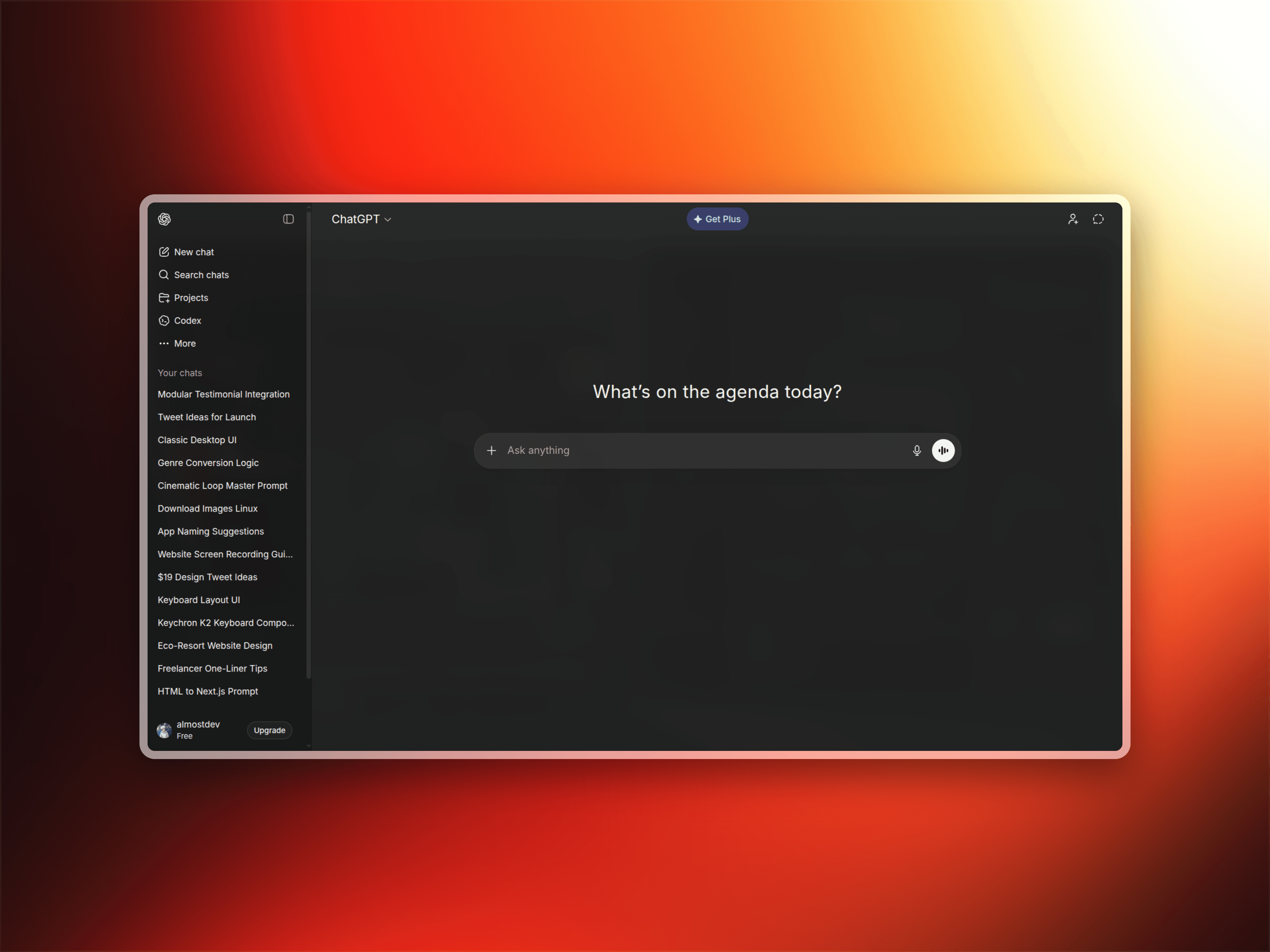
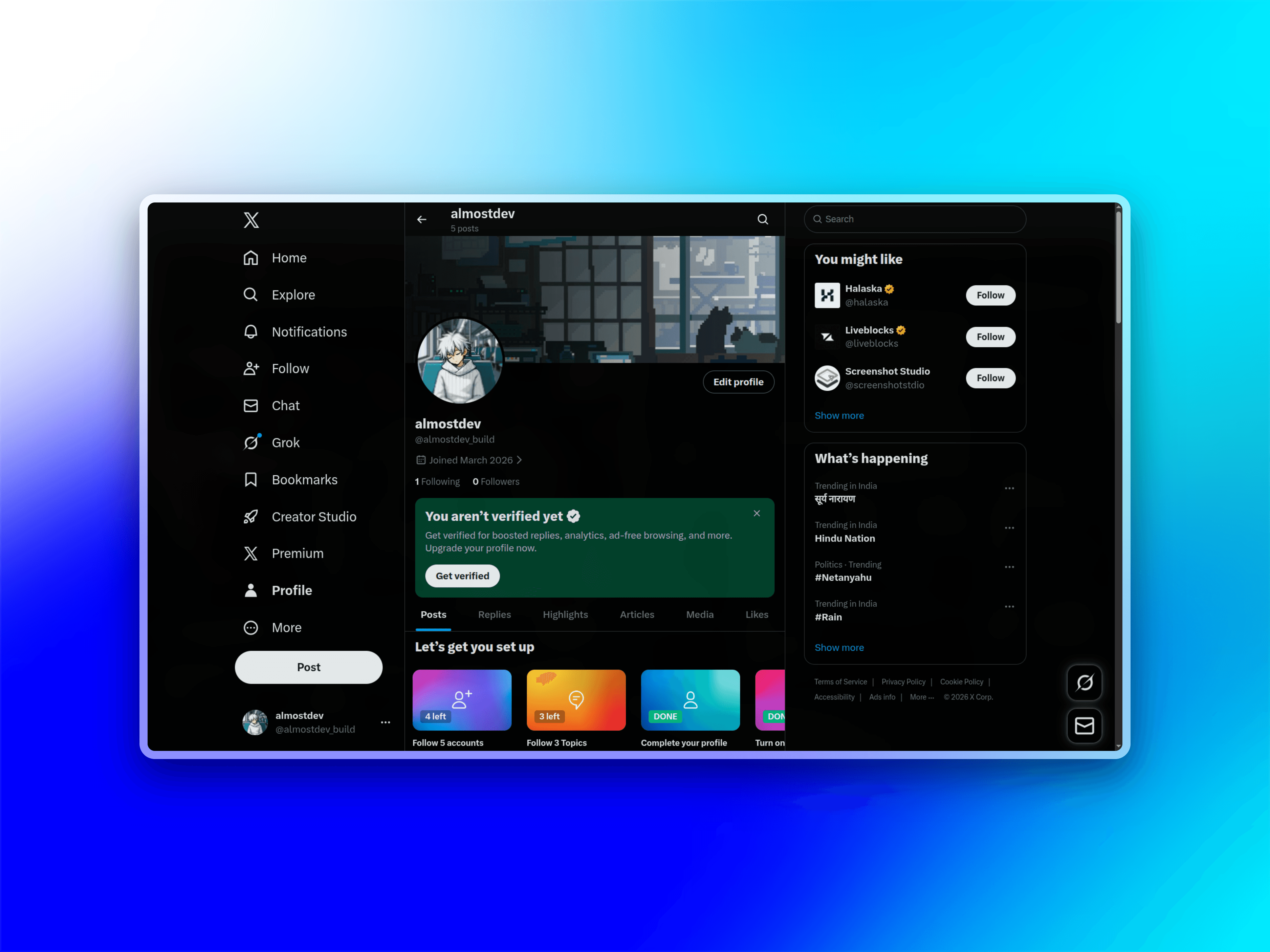
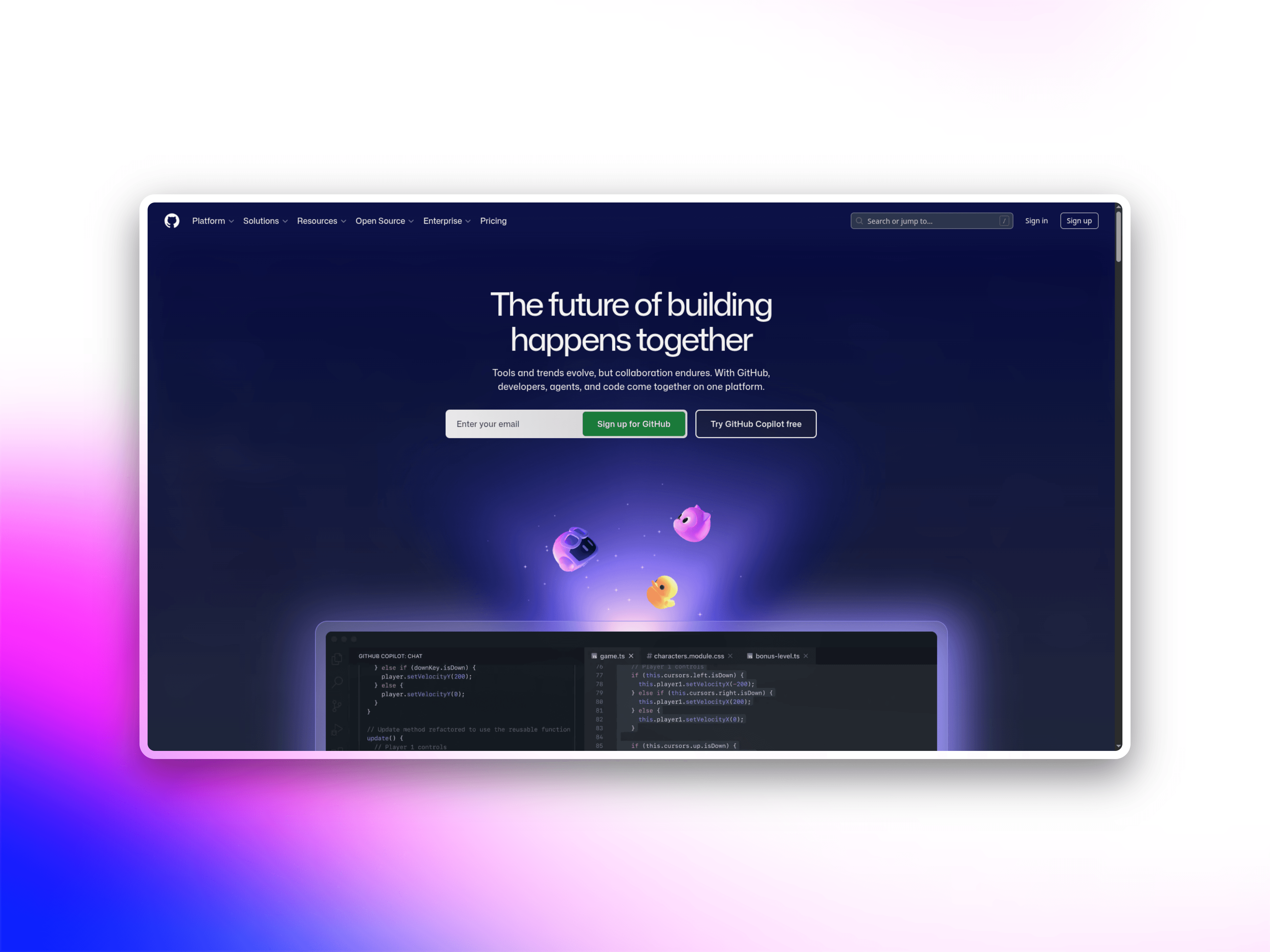
Transform ordinary screenshots into polished assets with custom frames, backgrounds, device mockups, and text layers. Everything you need to create professional visuals in one powerful editor.
Custom Frames•Device Mockups•Background Gradients•Text Overlays•Layer Management•Export in HD•Custom Frames•Device Mockups•Background Gradients•Text Overlays•Layer Management•Export in HD•
06Questions & Answers
Frequently asked
questions
Everything you need to know about creating beautiful visuals from your screenshots. Can't find the answer? Reach out to our team.
What file formats can I upload?
You can upload images (PNG, JPG, WebP) and videos. The editor supports all common image formats and will automatically optimize them for the best quality output.
Can I export in different formats?
Yes! Export your creations as PNG or JPEG images in high resolution. All exports are optimized for web and social media sharing while maintaining crisp quality.
Do you support device mockups?
Absolutely. Add device frames like iPhone, iPad, MacBook, and more to showcase your screenshots in realistic device contexts. Perfect for product launches and demos.
Can I add multiple text layers?
Yes, you can add unlimited text layers. Each layer can be positioned independently, styled with different fonts, colors, shadows, and effects. Manage layer order with z-index controls.
Ready to create
stunning visuals?
Join creators, developers, and founders who are already turning their screenshots into polished assets. Free to use, no sign-up required.
Free forever · No sign-up required · Works in your browser